

POS Scale Integration
POS scale integration for label printing scales, CAS scales, Ishida scales and automatic price updates
Scale integration can save grocery stores, delis, meat markets, seafood departments, produce departments and specialty food retailers hours of duplicate work. When supported POS software can update scale item data and prices, stores can manage changes centrally instead of reentering the same information at every scale.
Spartan POS helps businesses choose the right scale hardware, labels, printers, scanners and POS equipment. For stores using BizTracker Infinity POS software, supported price changes can be managed in Infinity and transferred to compatible CAS and Ishida scales.
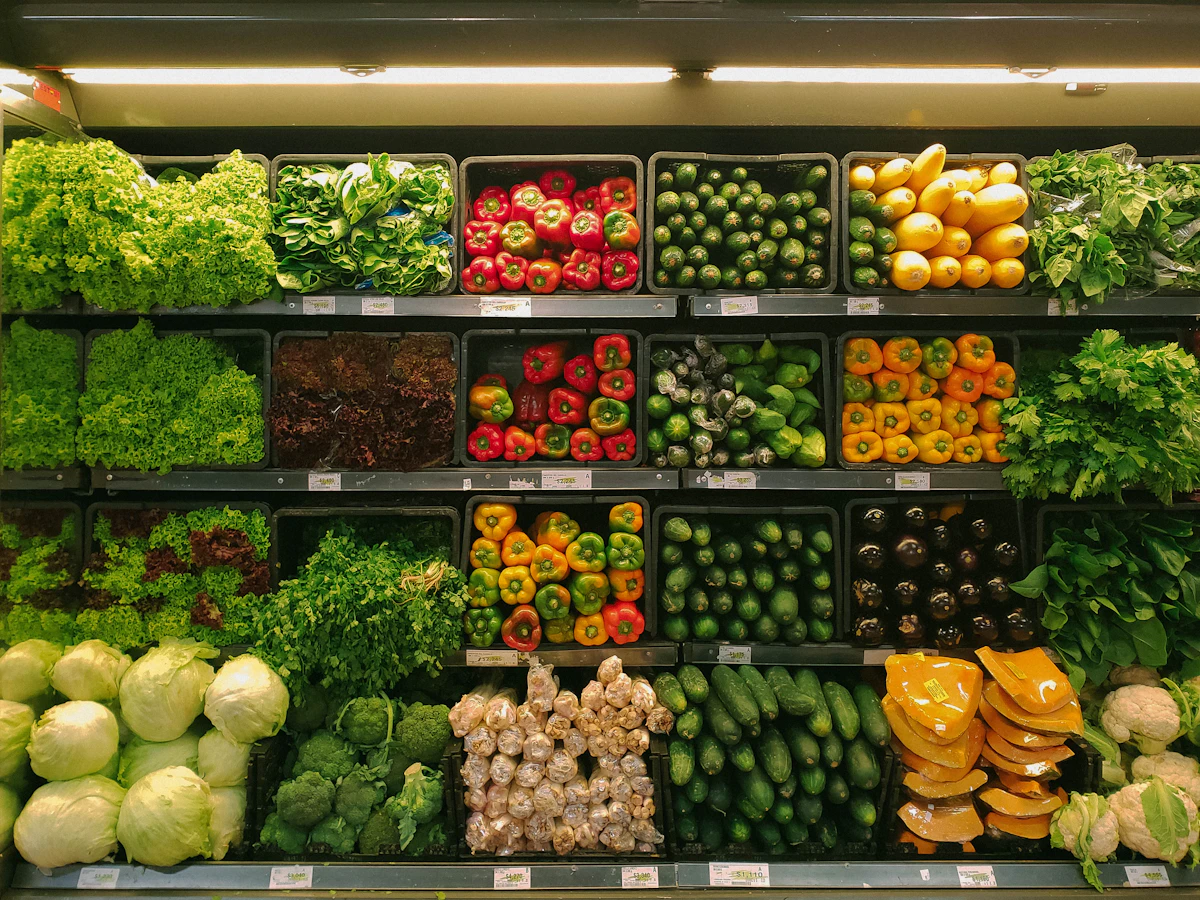
The big advantage: update prices once in the POS and send supported changes to the scales
For stores with label printing scales, price changes can become a major time drain. Staff may update a price in the POS system, then manually enter the same update into one or more scales. That duplicate entry takes time and creates more opportunities for pricing mistakes.
With the right POS software and compatible scale equipment, supported item and price changes can be managed centrally in the POS and transferred to the scales. BizTracker Infinity POS software can help stores manage supported price changes and transfer compatible updates to CAS and Ishida scales.
This workflow is especially valuable for deli, meat, seafood, produce, bakery, prepared food, bulk food and random-weight departments where price-per-pound items and label printing accuracy matter every day.
What is POS scale integration?
POS scale integration is the connection between your point-of-sale system and your scale workflow. Depending on the scale, POS software and setup, integration may include item data, PLUs, prices, barcodes, labels, random-weight item workflows or checkout communication.
The most important goal is simple: keep item and price data consistent between the POS system and the scale equipment. When a store changes prices frequently, a connected workflow can save time and reduce mistakes.
- Manage supported item and price data from the POS
- Transfer compatible updates to supported scale equipment
- Reduce duplicate entry between POS and scale systems
- Improve consistency for random-weight and price-per-pound items

Spartan POS sells the hardware. BizTracker Infinity can power the connected POS workflow.
Spartan POS helps businesses source POS hardware, scales, barcode scanners, receipt printers, label printers, cash drawers and accessories. When a business needs POS software that can manage inventory, pricing and scale workflows, BizTracker Infinity is a strong fit for grocery, deli, market and specialty food operations.
For compatible CAS and Ishida scale setups, BizTracker Infinity can help manage supported item and price changes centrally and transfer those updates to the scales.
Why automatic scale price updates matter
If your store uses label printing scales, pricing accuracy matters at the scale, on the shelf, at checkout and in the customer’s receipt. Manual reentry can cause mismatches that waste time and create confusion.
| Problem | Why it hurts the store | How POS-to-scale updates help |
|---|---|---|
| Duplicate price entry | Staff may change prices in the POS and then type the same updates into scale software. | Supported price changes can be managed in the POS and transferred to compatible scales. |
| Pricing mistakes | Manual entry can create differences between POS prices, shelf prices and scale label prices. | Centralized item and price management helps improve consistency across the store. |
| Slow price changes | Deli, meat, seafood and produce departments may need frequent price updates. | Compatible scale updates can reduce the time spent making repeated changes. |
| Label confusion | Incorrect labels can create customer questions, checkout delays and margin issues. | Keeping POS and scale data aligned supports cleaner label printing workflows. |
| Multiple departments | Stores may have separate scales in deli, meat, seafood, produce and prepared foods. | A central POS workflow can help send supported updates where they need to go. |
| Training burden | More systems mean more training and more opportunities for employee mistakes. | Centralized updates reduce the number of places staff need to enter the same information. |
Scale types used with POS systems
Different departments need different scale workflows. Some scales are used to weigh products at checkout. Others print labels for random-weight items before they reach the register.
Label printing scales
Used for deli, meat, seafood, produce, prepared foods and random-weight items that need printed labels.
Price computing scales
Used to calculate a sale price based on weight and price per pound or other unit pricing.
Counter scales
Used at service counters, specialty food counters and retail environments that need accurate weighing.
Checkout scales
Used at the register where the POS needs to capture item weight during checkout.
Bench scales
Used for back-room, receiving, packing, production or specialty weighing workflows.
Legal-for-trade scales
Used when products are sold by weight and the scale must meet legal-for-trade requirements.

Scale labels, PLUs and POS item data should work together
Label printing scales often rely on accurate PLUs, item names, prices, departments, barcodes and label formats. If those records are not maintained correctly, the store can end up with wrong prices, outdated labels and inconsistent reports.
A better workflow connects POS item management, inventory, scale labels and department pricing so the store has one cleaner process for updates.
- Support PLU and item management workflows
- Review item names, prices, departments and scale labels
- Connect price-per-pound items with inventory and reporting
- Reduce manual reentry between POS and scale systems
Businesses that benefit from POS scale integration
POS scale integration is most valuable for businesses that weigh products, print labels, change prices often or manage random-weight departments.
Grocery stores
Use scales for deli, meat, seafood, produce, prepared foods, bakery and random-weight products.
Delis
Print labels for meats, cheeses, salads, sides, prepared foods and grab-and-go items.
Meat markets
Support price-per-pound items, random-weight packaging, labels, PLUs and department pricing.
Seafood markets
Manage fresh seafood, packaged seafood, price changes and random-weight label workflows.
Produce departments
Support weighed produce, bulk foods, PLU workflows, price-per-pound items and item lookup.
Specialty food retailers
Support international markets, ethnic grocery stores, bakeries, cheese shops and prepared food departments.
Example workflow: price changes from BizTracker Infinity to compatible scales
A grocery store needs to update prices for deli and meat department items. Instead of changing the price in the POS and then manually reentering the same update into each label printing scale, the store manages supported price changes in BizTracker Infinity and transfers compatible updates to CAS or Ishida scales.
This can save time, reduce duplicate entry and improve pricing accuracy. Compatibility should always be reviewed by scale model, POS setup, label workflow and supported fields.
CAS and Ishida scale workflows
CAS and Ishida are major scale brands used by grocery stores, delis, markets and food retailers. Spartan POS can help businesses review scale hardware needs, supplies and POS compatibility questions.
CAS scales
CAS label printing scales and retail scales are commonly used for deli, grocery, meat, seafood and specialty food workflows.
Shop CAS scalesIshida scales
Ishida scales are used in grocery, supermarket, food retail and label printing environments that need accurate weighing and labeling.
Ask about Ishida scalesScale labels
Label printing scales need compatible labels for random-weight items, deli packaging, meat labels and grocery departments.
Shop scale labelsBarcode scanners
Barcode scanners help connect item lookup, checkout, inventory, receiving and label workflows.
Shop barcode scannersReceipt printers
Receipt printers support checkout, transaction records, customer receipts and POS workflows.
Shop receipt printersPOS hardware help
Spartan POS can help match scales with POS terminals, printers, scanners, cash drawers and accessories.
Ask for hardware helpWhat to confirm before buying scales for POS integration
Scale integration depends on the scale model, POS software, connection method, label workflow and supported data fields. Before buying equipment, confirm the full workflow.
- Which department will use the scale: deli, meat, seafood, produce, bakery or checkout?
- Do you need a label printing scale, checkout scale, counter scale or price computing scale?
- Does the scale need to be legal-for-trade?
- Which POS software will manage item records, prices and PLUs?
- Can your POS transfer supported item and price updates to the scale?
- Which CAS or Ishida scale models are compatible with the workflow?
- Which fields can transfer: item name, price, PLU, department, barcode, label data or other fields?
- Do you need scale labels, label formats, barcodes or random-weight label printing?
- Who will install, configure, test and support the scale workflow?
- How often do prices change, and how much time could automatic updates save?
POS scale integration by department
Each department may use scales differently. The best hardware and integration plan depends on what the department sells and how labels are created.
| Department | Common scale workflow | Why POS integration helps |
|---|---|---|
| Deli | Deli meats, cheeses, salads, prepared foods and grab-and-go labels. | Helps manage PLUs, item names, prices and labels more consistently. |
| Meat | Random-weight meat packages, price-per-pound labels and department pricing. | Reduces duplicate price entry and supports cleaner label pricing. |
| Seafood | Fresh seafood, packaged seafood, seasonal prices and random-weight items. | Helps keep fast-changing price-per-pound items aligned with POS pricing. |
| Produce | Bulk produce, weighed produce, PLU items and department labels. | Supports cleaner item setup and price updates for weighed produce. |
| Bakery | Packaged bakery items, specialty items, labels and prepared goods. | Helps manage product names, prices and label data from a central workflow. |
| Prepared foods | Grab-and-go meals, sides, packaged meals and deli containers. | Helps reduce manual label updates when menu items or prices change. |
Need software that can send price changes to compatible scales?
Spartan POS can help with the scale hardware, labels and POS equipment. If you also need POS software that can manage inventory, price changes and compatible CAS or Ishida scale updates, BizTracker Infinity POS software may be the right fit.
BizTracker Infinity can help stores manage supported price changes in the POS and transfer compatible updates to supported scales, reducing manual entry and helping improve accuracy across departments.
Related Spartan POS scale and hardware categories
Use these categories to review scale hardware, labels, scanners, printers and POS equipment for grocery, deli, market and specialty retail workflows.
```CAS scales
Review CAS scale options for grocery, deli, food retail and label printing workflows.
Shop CAS scalesScale labels
Find labels for compatible label printing scales used in deli, meat, seafood and grocery departments.
Shop scale labelsBarcode scanners
Use scanners for checkout, inventory, item lookup, receiving and label workflows.
Shop barcode scannersLabel printers
Shop label printers for inventory, barcode labels, shipping labels and retail operations.
Shop label printersReceipt printers
Shop receipt printers for checkout, restaurant, retail and point-of-sale systems.
Shop receipt printersPOS hardware help
Need help matching scales, printers, scanners and software? Contact Spartan POS for guidance.
Contact Spartan POSPOS scale integration Frequently Asked Questions
What is POS scale integration?
POS scale integration is the connection between a point-of-sale system and a scale workflow. Depending on the scale and POS software, it may include item data, PLUs, prices, labels, random-weight items or checkout communication.
Can price changes from the POS go to the scales automatically?
With compatible POS software and supported scale equipment, item and price changes can be managed in the POS and transferred to compatible scales. BizTracker Infinity POS software can support this type of workflow with compatible CAS and Ishida scales.
Why is POS-to-scale price updating important?
POS-to-scale price updating can save time, reduce duplicate entry and improve pricing accuracy by avoiding the need to reenter the same price changes in both the POS and scale system.
Which businesses need label printing scales?
Grocery stores, delis, meat markets, seafood departments, produce departments, prepared food departments, bakeries and specialty food retailers often use label printing scales.
Do all scales integrate with all POS systems?
No. Scale integration depends on the scale model, POS software, connection method, label workflow and supported data fields. Compatibility should be confirmed before purchasing equipment.
Can Spartan POS help choose scales and POS hardware?
Yes. Spartan POS can help businesses review scale hardware, labels, barcode scanners, receipt printers, POS terminals, cash drawers and other point-of-sale equipment.
Does Spartan POS sell CAS scales?
Yes. Spartan POS offers CAS scale options and related POS hardware for grocery, deli, market and food retail workflows.
What should I confirm before buying a scale for POS integration?
Confirm the department workflow, scale model, POS software, legal-for-trade needs, label requirements, connection method, supported fields and whether price updates can be transferred from the POS to the scale.
Need help choosing scales that work with your POS workflow?
Talk with Spartan POS about label printing scales, CAS scales, Ishida scale workflows, scale labels, barcode scanners, POS hardware and BizTracker Infinity POS software for supported automatic price updates to compatible scales.